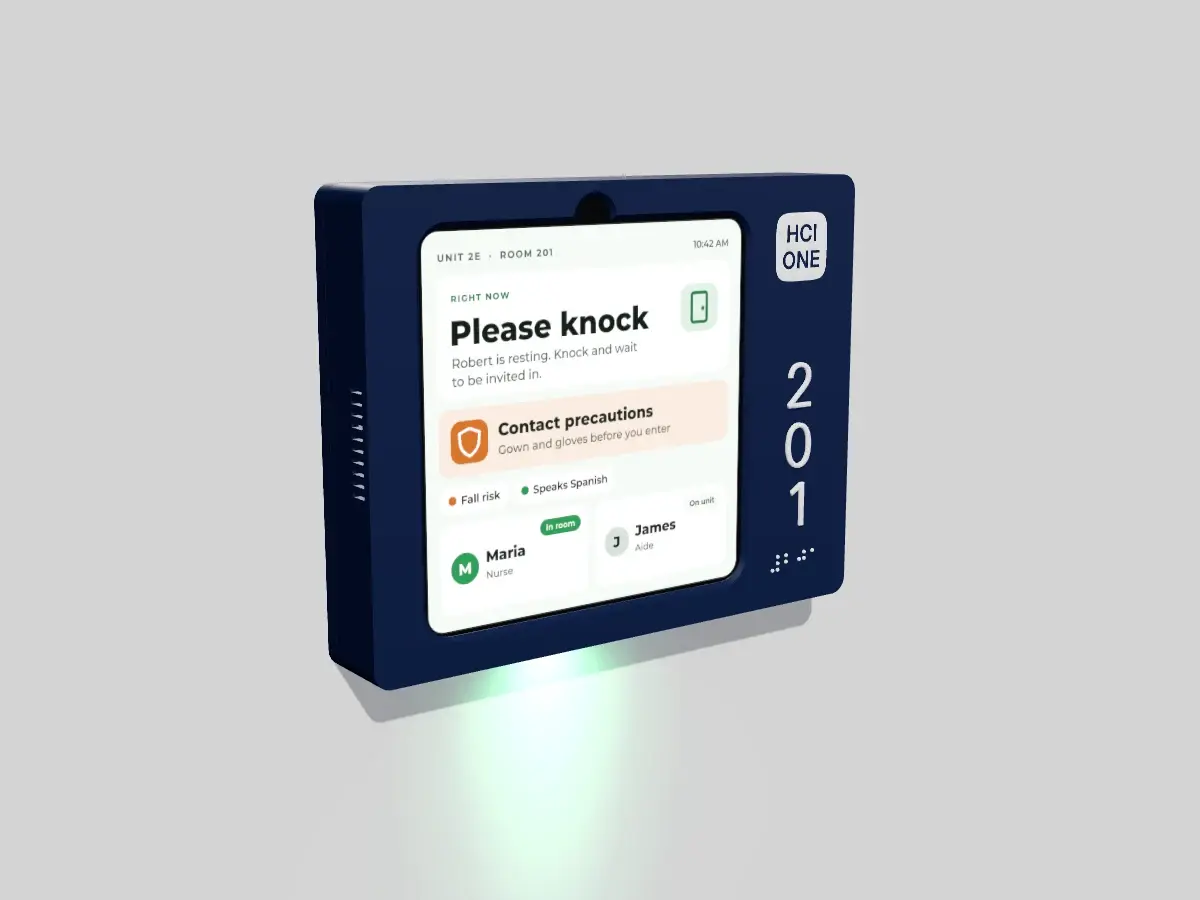
 Rendering
HomeView Edge
A printed navy shell turns Apple HomeView (Wall Mounted) into a door sign. The face covers the black border, the room number and braille are printed on the shell, and a small light under the screen washes the wall below. It runs the new HCI ONE iOS app, the same app that runs on regular iPads.
Same enclosure either way. The version sets where the room number goes.
Quote now. HomeView ships with Apple's release on 13 November 2026, and we finalize the enclosure after we measure the production unit. Pricing comes from the HCI partner who covers your state. Room plates are printed per room from your room list.
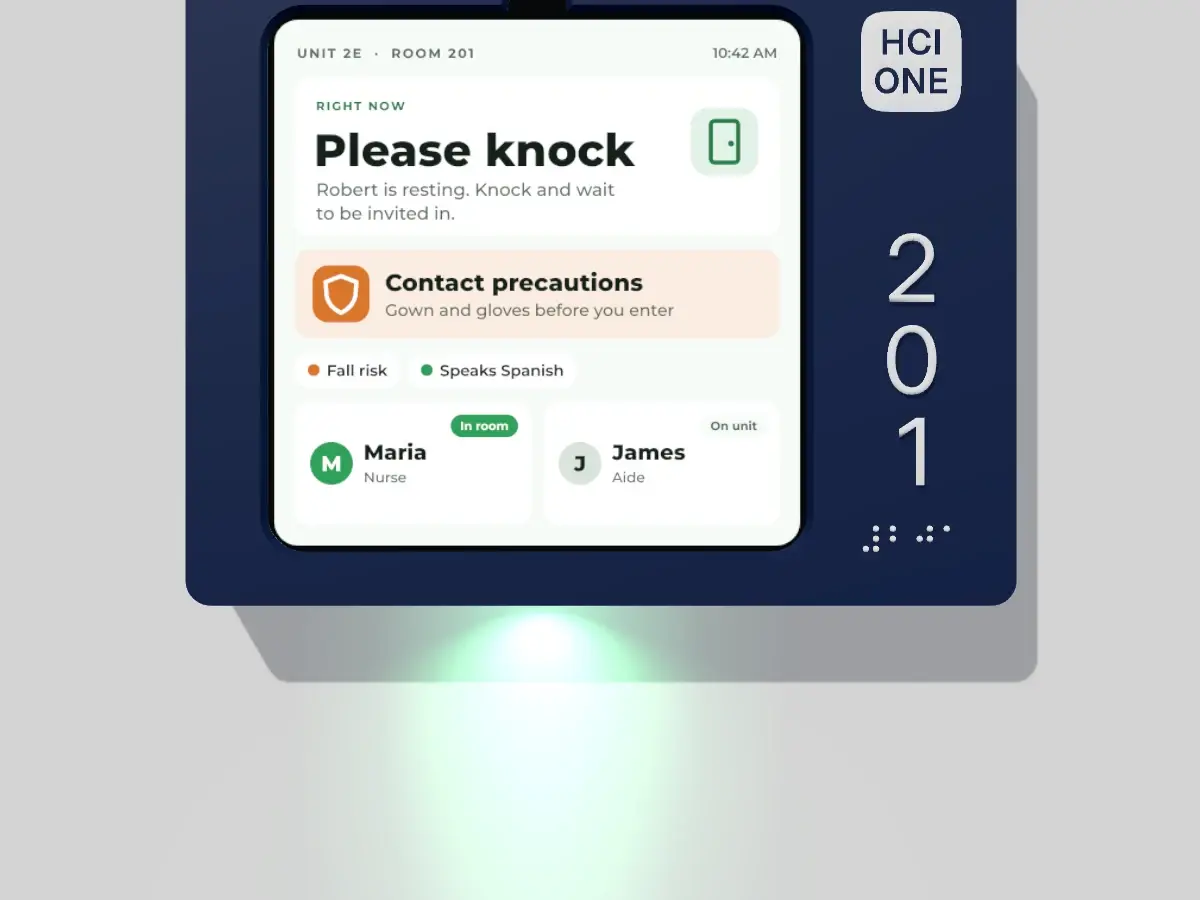
Read the room from down the hall.
A small lens in the bottom wall washes the wall below the sign. The HCI ONE server sets the color from the same nurse call and location feeds that run the rest of the room.
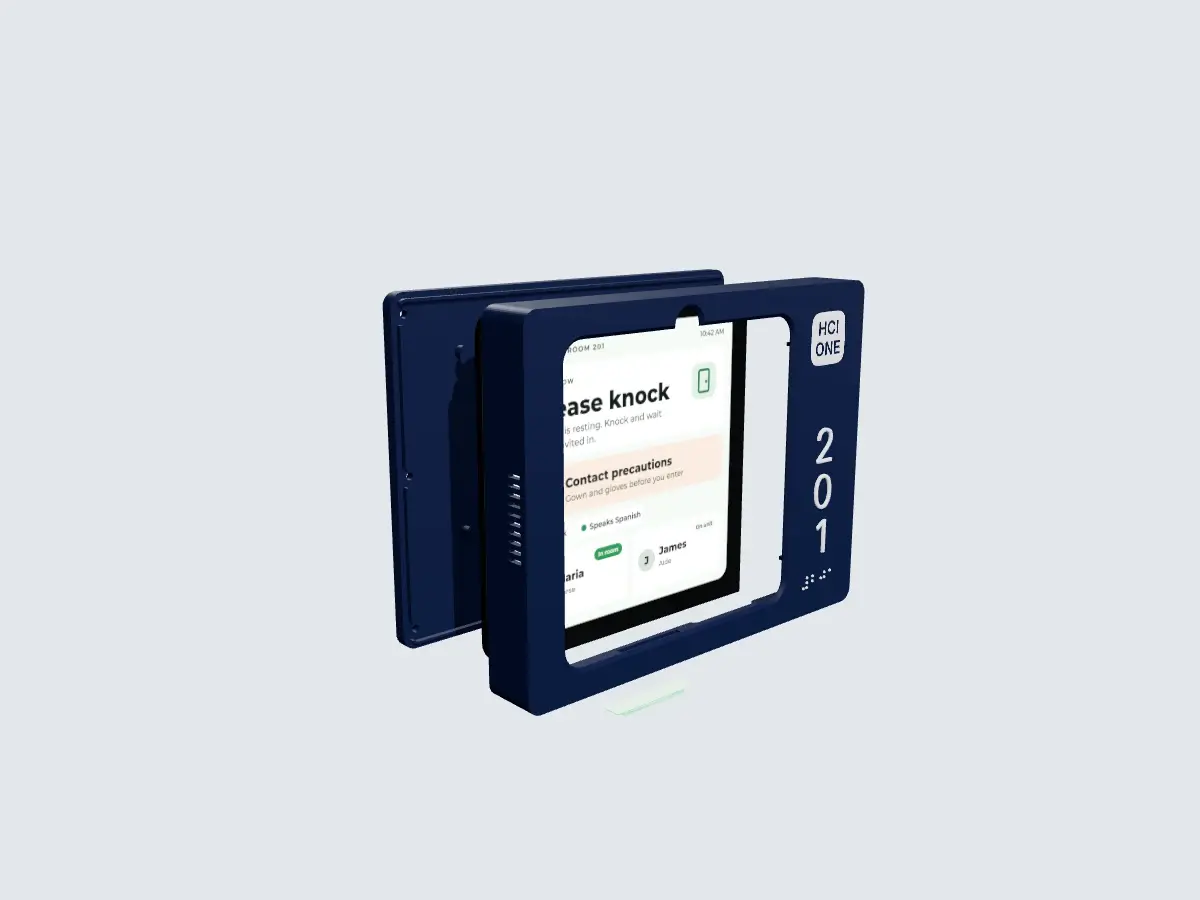
Four parts. No openings on the face.
- Back housingPrinted back with the electronics bay and the light shelf. It hangs on a hanger plate on the single gang box.
- Apple HomeView7 inch square display, 145.5 x 145.5 x 9.8 mm. A right angle USB C plug connects it from behind.
- FaceOne printed piece with a window 128.6 mm square and a notch for the camera. It covers the black border. There are no openings on the face or the top, because cleaning agents get sprayed on signs.
- Light lensA translucent lens in the bottom wall with 5 LEDs behind it. Speaker slots sit under the bottom edge and mic slots in the side wall.
Two layouts. The same shell.
Choose the number in a column beside the screen, or on a band above it. Numerals and braille are raised 1 mm, and the HCI ONE mark is flush.
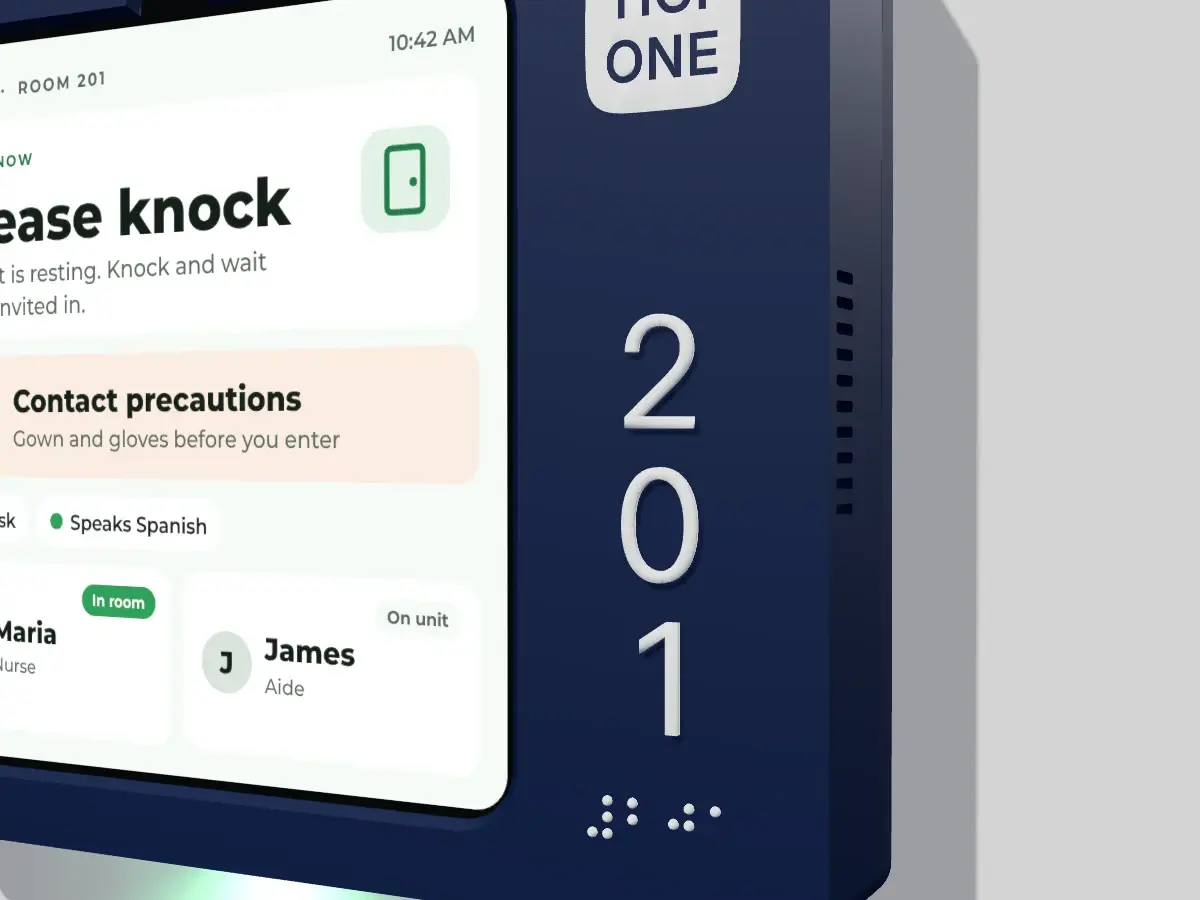
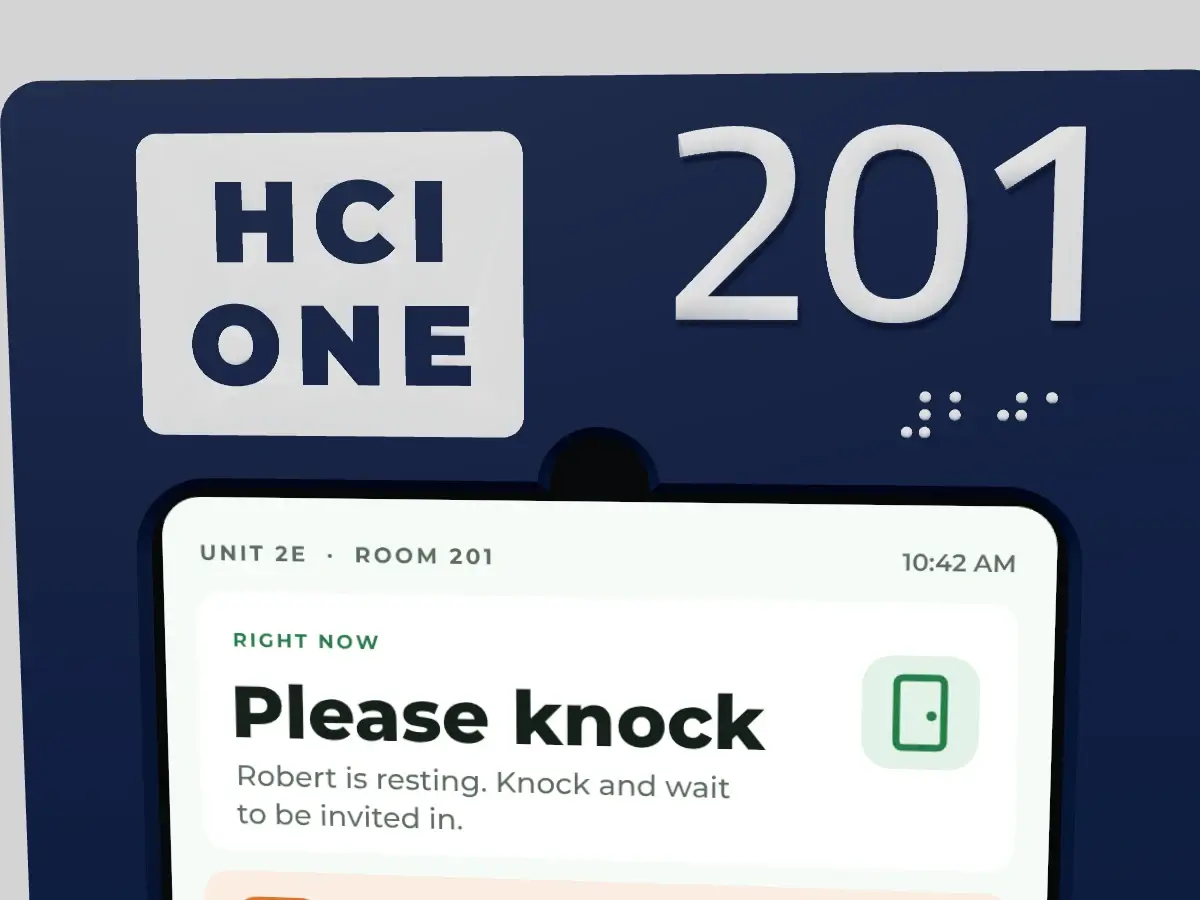
Flush to the wall. Closed all round.
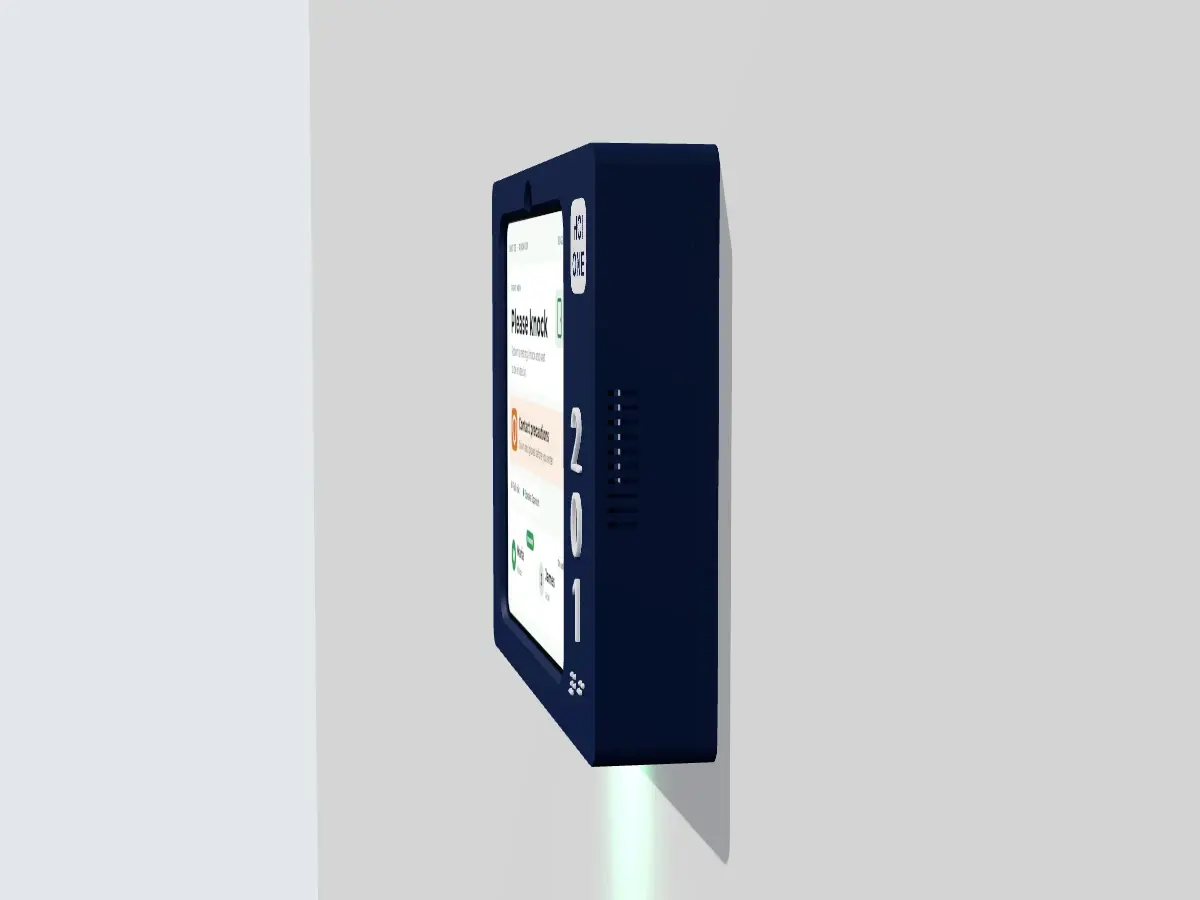
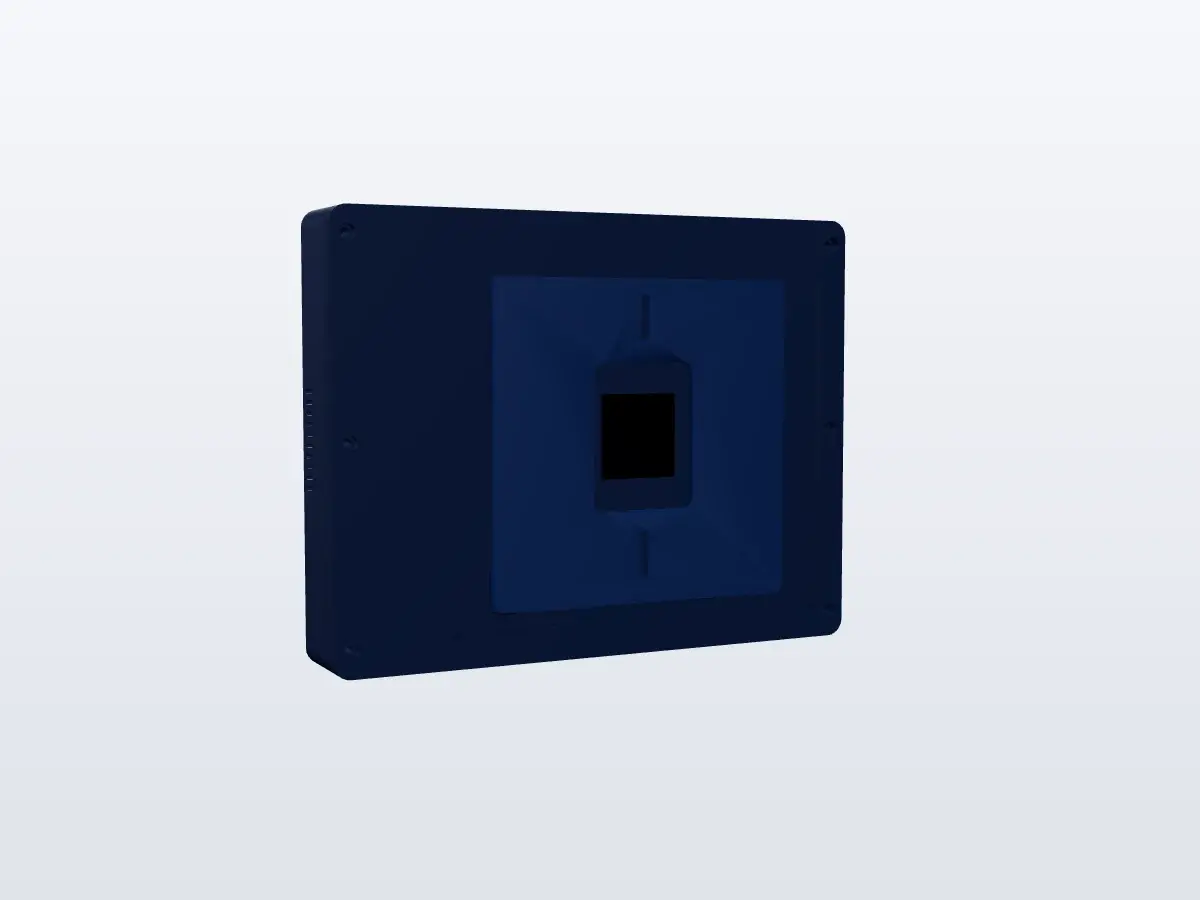
Every number we can state today.
| Number on side | 197.5 x 154 x 30.9 mm, landscape |
| Number on top | 167 x 198 x 30.9 mm |
| Window | 128.6 mm square |
| Made by | Designed and printed by HCI in Cincinnati |
| For | Apple HomeView (Wall Mounted) |
| Size | 145.5 x 145.5 x 9.8 mm, 7 inch square |
| Resolution | 1088 x 1088 at 220 ppi |
| Software | The new HCI ONE iOS app, the same app that runs on regular iPads |
| Type | Down light, 5 LEDs behind a translucent lens |
| Control | Set by the HCI ONE server over the network |
| States | Staff in, call, code |
| Power | PoE+ (IEEE 802.3at), one drop per door |
| Mount | Hanger plate on the two screws of a single gang box |
| Security | Hangs on a 45 degree cleat, locked by one tamper screw from below |
| Numerals | Raised 1 mm. 16 mm (5/8 in) on the side version, 25.4 mm (1 in) on the top version |
| Braille | Below the numerals |
What it needs from your network.
- A single gang box beside each door, with one PoE+ drop ending in it.
- 802.3at switch ports; passive injectors will not power it.
- The light controller on your IoT VLAN, reachable by the HCI ONE server.
- The HCI ONE iOS app on each HomeView, set up with your IT team at quote.
The rest of the room.
HomeView Edge runs the same HCI ONE iOS app as the Float iPad Door Sign, so it shows the same care team, precautions and room state as the whiteboard inside.
Planning HomeView doors?
Tell us your unit and your room list, and we print a plate for your first door.