The door sign is an iPad now.
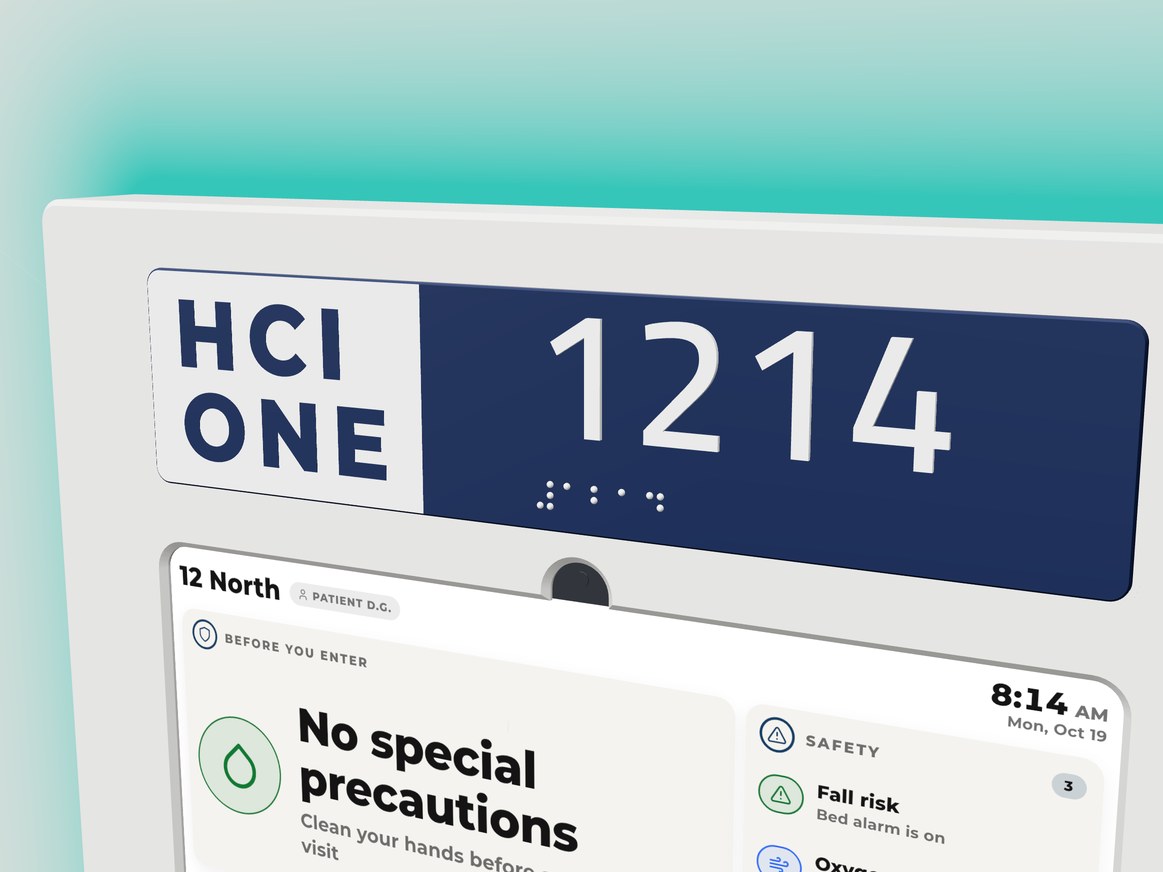
Float turns an 11 inch iPad into the sign outside every patient room. A room plate with raised numerals and braille. A halo that washes the wall in your hospital's color and changes with the room. One PoE cable runs it all.
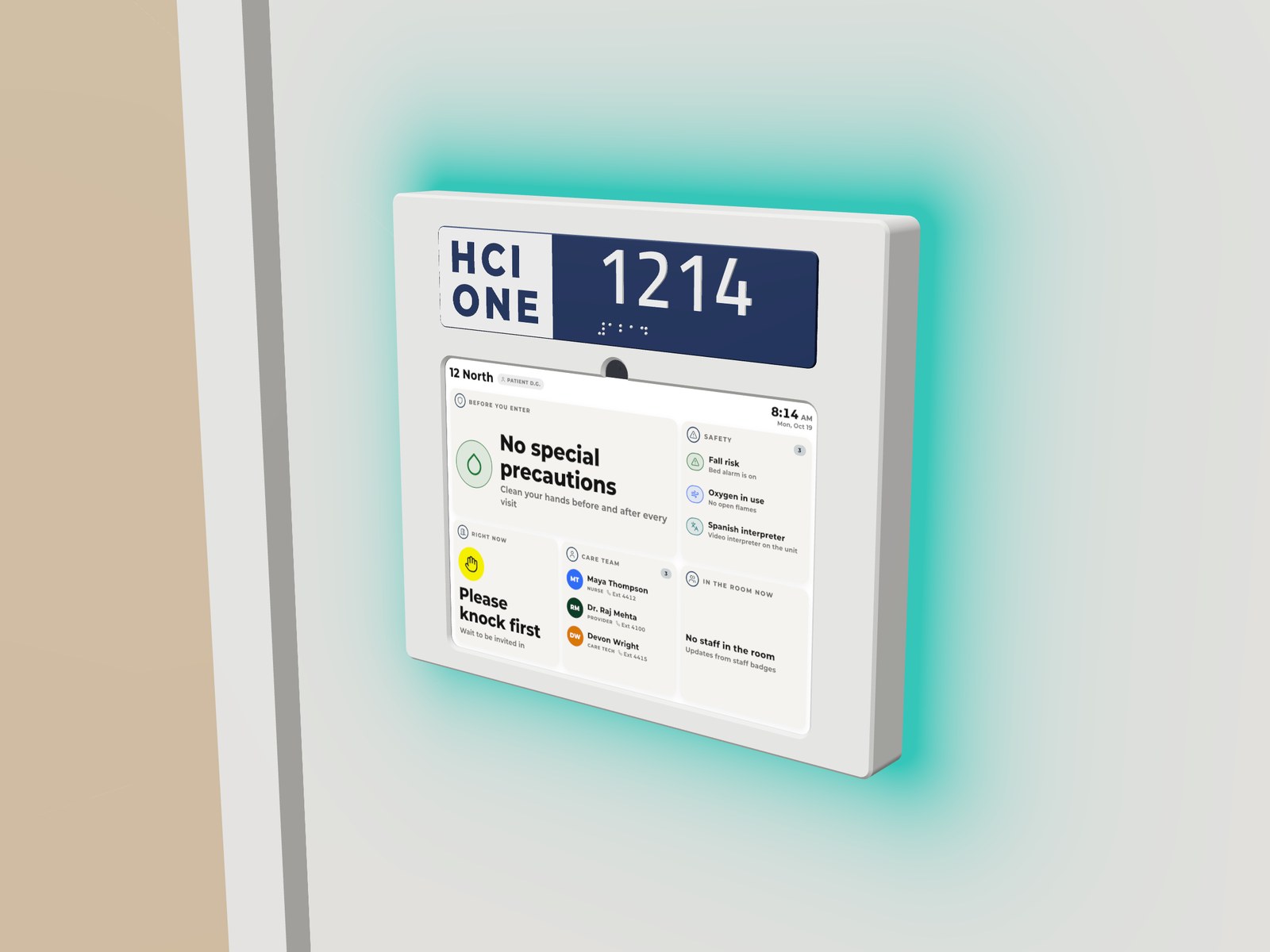
Read the room from down the hall.
A ring of light behind the sign washes the wall. At rest it carries your hospital's color. When the room needs someone, it changes, with every LED alert our door signs run today. The halo takes its color from the sign, so the hallway sees what the door says.
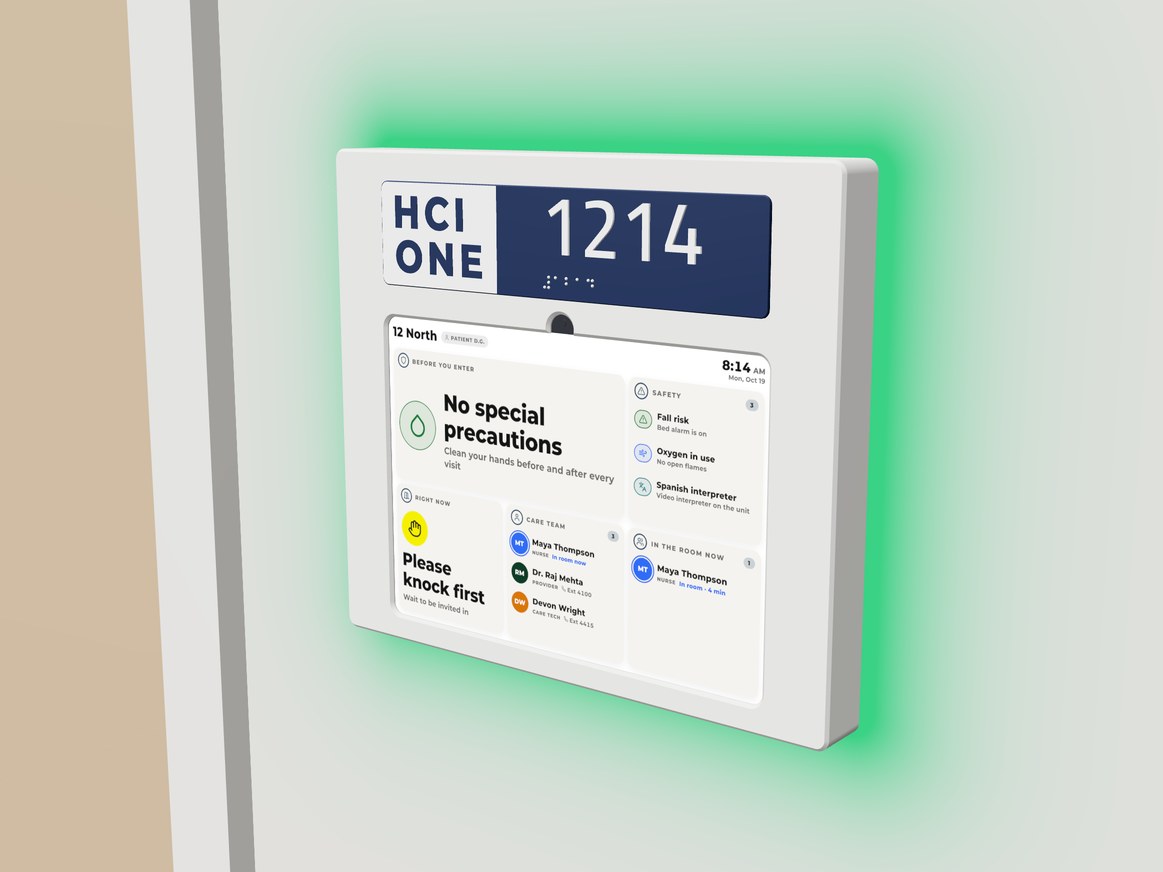
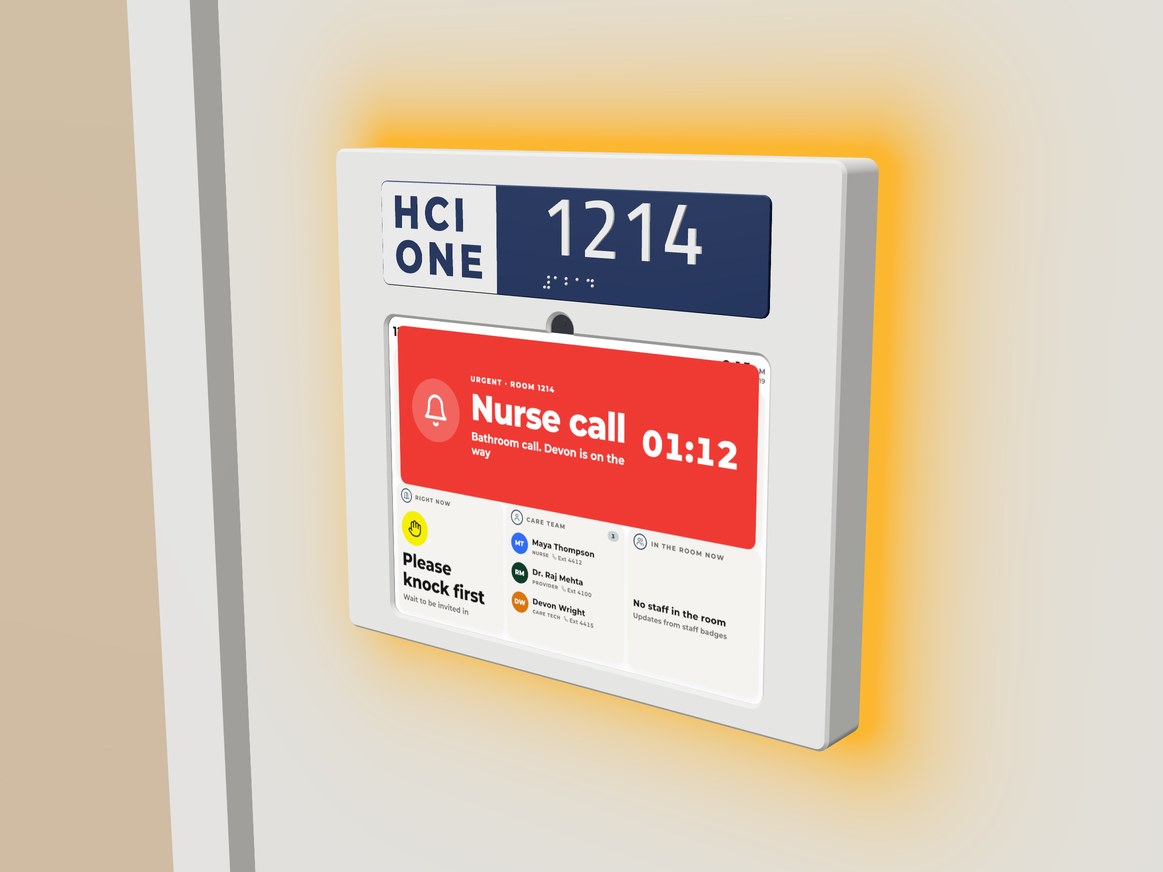
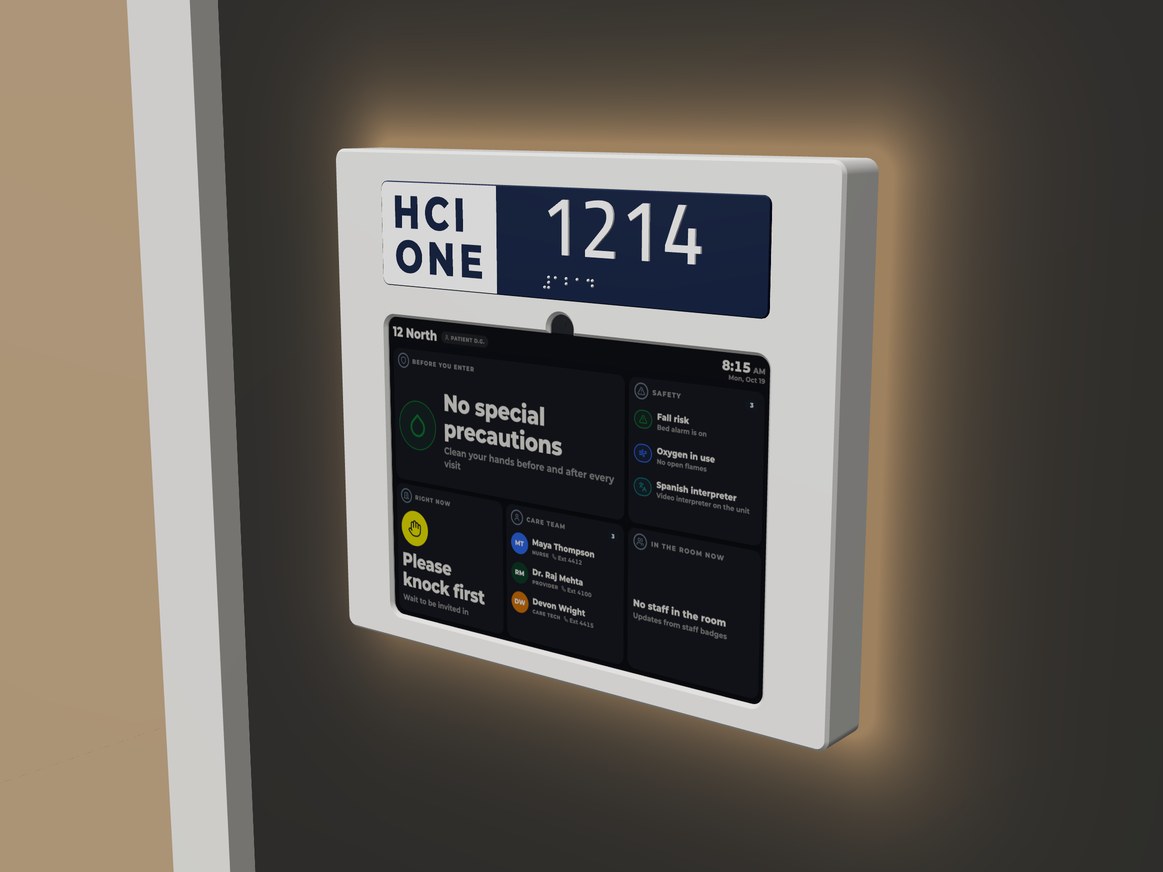
It is an iPad. Your IT team already knows it.
A door sign should not be one more proprietary panel that only its maker can fix. Float is an iPad your team already buys, secures and manages.
What IT gets
What the unit gets
Built around the iPad. Printed in Cincinnati.
Four parts on a standard single gang box. We design and print every one of them here.
- Back housingClear printed back with the LEDs that light the wall. It hangs on a hanger plate on the single gang box.
- iPad (A16), 11 inchRuns HCI ONE Door Sign in single app mode. Supplied by HCI or by your hospital.
- BezelHides the iPad's own bezel. Clips onto the back housing. One security screw from below locks the sign to the wall.
- Room plateRaised numerals and Grade 2 braille, printed for each room from your room list.
Every number on the sheet.
What Float needs from your building and your network, and what it runs.
Enclosure
- For
- iPad (A16), 11 inch
- Mount
- Single gang box beside the door
- Off the wall
- About 1/4 in
- Finish
- White or black
- Security
- Hanger plate and one M3 pin Torx security screw
- Made
- Designed and printed by HCI in Cincinnati
Power and light
- Power
- One PoE drop (802.3af)
- Network
- Wired Ethernet to the iPad
- Halo
- 118 RGB LEDs behind a clear rim, driven by the sign
- Alerts
- Every LED alert HCI door signs run today
- Room plate
- Raised numerals, Grade 2 braille
App
- App
- HCI ONE Door Sign for iPad
- Mode
- Single app mode through Guided Access or your MDM
- Server
- Your on premise HCI ONE server, secure connections only
- Setup
- Scan a setup code
- Changes
- On the sign, behind a staff PIN
- Quiet hours
- The sign dims
Put Float on your first door.
Send us your unit and room list and we will print a plate for your first room. Or ask the HCI partner who covers your state.