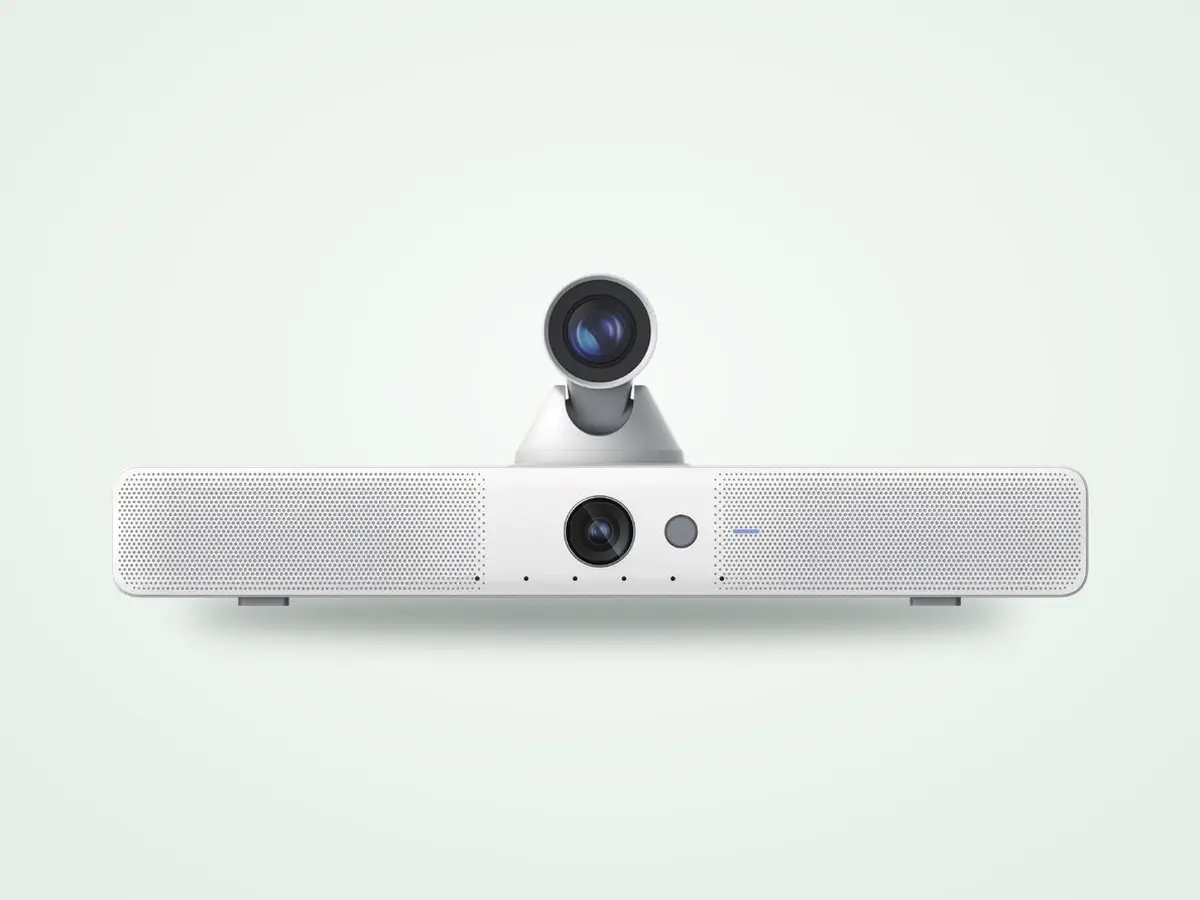
New
Today we are launching a new line of cameras. This is the part that took the longest, and it has nothing to do with the hardware.
There are cameras hanging in patient rooms right now that are not plugged into anything.
Somebody bought them. Somebody mounted them. Then the project changed, or the software that was supposed to use them never shipped, and they stayed on the wall. We have walked into those rooms and found them wired to nothing.
That is roughly the state of video in hospitals. Not nothing. Four rooms of something, and then it stops.
The perpetual trial
The pattern goes like this. A hospital decides to try virtual nursing. They buy four rooms of hardware. It works. Everybody agrees it works. Then somebody prices the rest of the floor and the project goes quiet.
At five thousand dollars a room, a three hundred bed hospital is a million and a half dollars before anybody pulls a cable. Add the labor and it stops being a project and becomes a capital request with a committee attached to it.
So the four rooms stay. They get shown to visitors. They get written up in a case study. And the trial never ends.
The only thing standing between the trial and the program is the price of the box.
There are companies in this space that have been in trial for years. Their software is not the problem. I have watched it happen from the other side of the table more times than I want to count.
Why the box costs five thousand dollars
Most of these cameras were not designed for a patient room. They were designed for a boardroom or a lecture hall, where one camera covers forty people and there is a line item for it.
Put that camera in a patient room and you are paying boardroom money to watch one bed. Then you add a microphone, because the one in the boardroom camera was built for a conference table. Then a speaker, because somebody has to be able to talk back into the room. Three devices, three mounts, three power runs, three things that can fail, in a room with wall space for about one.
Nobody set out to overcharge a hospital. They sold the hospital a very good product that was built for a different room.
What we built instead
One device. Camera, microphone and speaker in one housing, on one mount, with one cable. It runs through the board already on the wall, so there is no second system to log into and no third vendor in the room.
And it is priced so that the number is no longer the reason the project stalls at four rooms.
This took a long time. Longer than I wanted it to. Making video cheap enough to put in every room has been the thing I have wanted to do in this market since before we had anything to do it with.
The line
Four models. Two room terminals that hold the camera, the microphones, the speakers and the computer in one unit, and two desk cameras for rooms that already have a screen. White or black on every one of them. All four run Guardian, our virtual nursing software, and all four are enrolled in Engine at install like every other HCI ONE device.
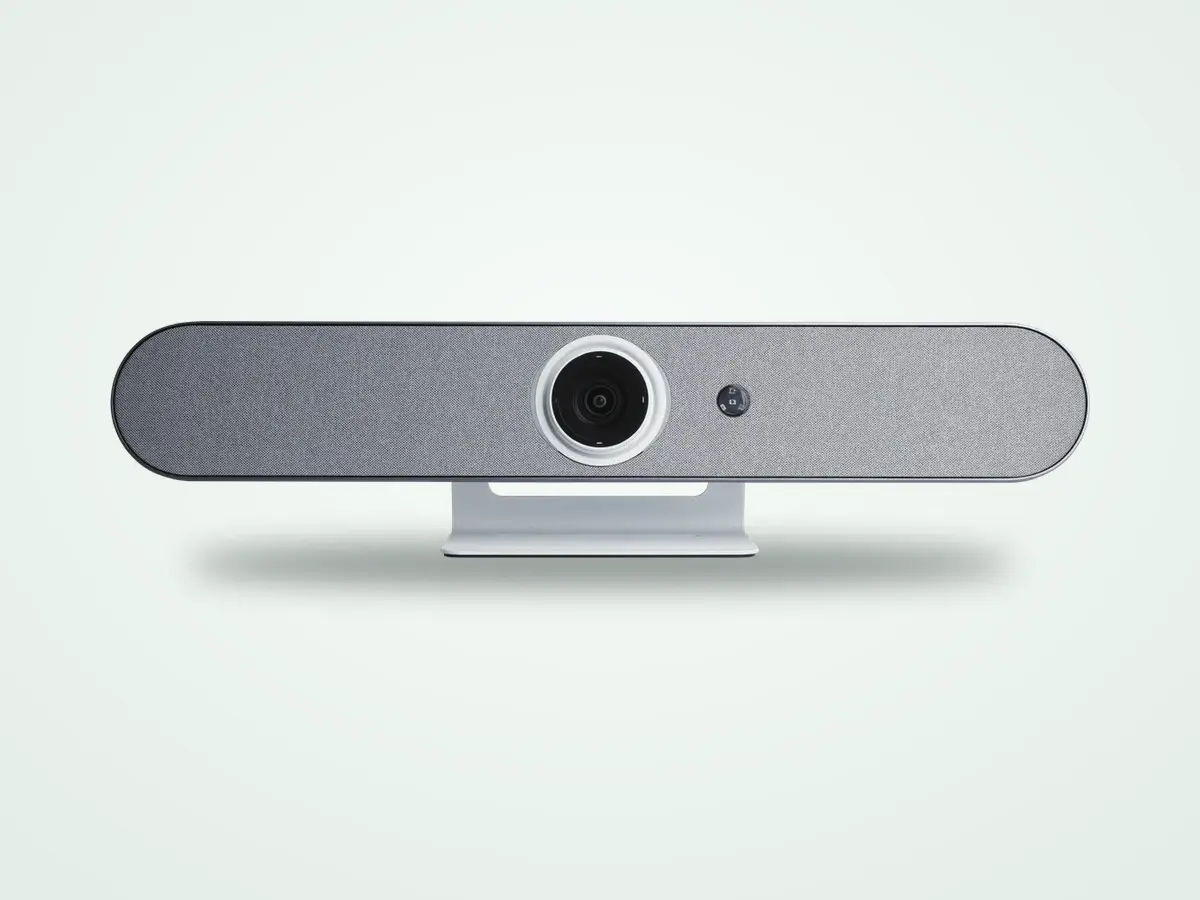
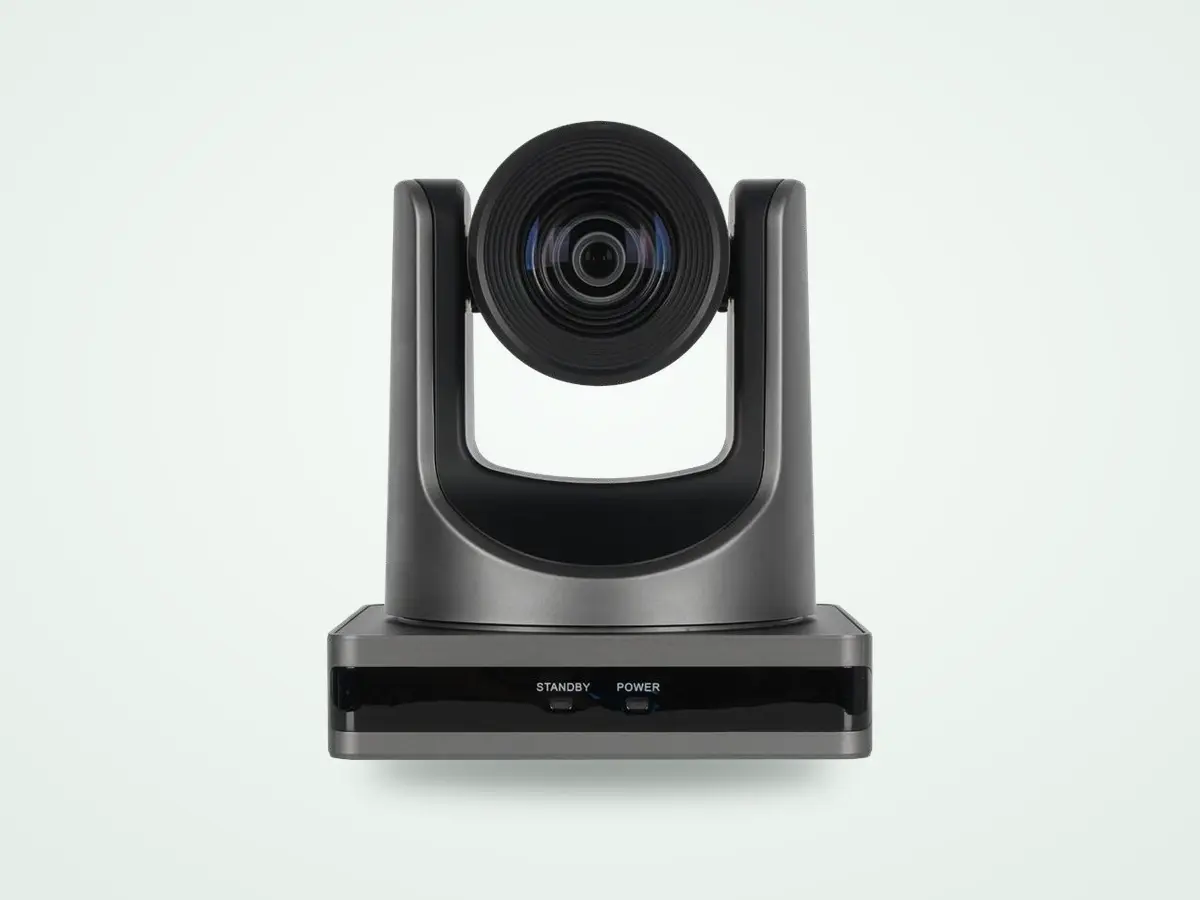
The full specs, model by model, are on the camera page.
What a camera in a patient room has to do
What changes when it is in every room
A camera in four rooms answers one question. Does this work. That is the only question a pilot is able to answer, and the answer has been yes for years.
A camera in every room answers different ones. Which patient is about to get out of bed. Which room needs somebody right now and which one can wait six minutes. Whether the person who just walked in belongs there.
None of that works in four rooms, no matter how good the software is. It needs coverage, and coverage has always come down to the price of the box.
What the camera does, and what it does not
Today the camera is a camera. It sees, it hears, it speaks, and a person makes every decision in front of it.
The other half
Our developers have finished the private AI server. It is a box that sits in your building, on your network, running on your hardware. The video does not leave. It does not come to us.
What it does is watch the camera feeds and learn the rooms it is watching. The goal is a board that tells a sitter a patient is about to get out of bed, instead of telling them one already did.
It is self-learning. The scary part is that it needs patients to get better at its job. I am aware of how that sounds.
Except it turns out that is not where it has to start.
You can build the room instead
This is the thing I learned this year that I still have trouble saying out loud. You do not need a real patient to teach a model what a patient looks like. You build the room in a simulator. A bed, rails, a chair, a window, the light at two in the morning. Then you put a person in it who does not exist and have them swing their legs over the side ten thousand times, in ten thousand rooms, under ten thousand lighting conditions.
Every one of those comes labelled, because the simulator drew it and already knows what it drew. That is the expensive part of training, and it is free.
A model that grew up in that room walks into a real one already knowing most of what it is looking at. Your rooms refine it. They are not where it starts, and nobody has to fall down for it to learn what falling down looks like.
I still have not decided which room is the real one.
Then it keeps going. A model watching one unit for a month ends up better at that unit than anything we could ship pre-trained. It learns your rooms, your layouts, your beds, your light at night.
Guardian Watch
An algorithm that reads risk in the room in real time, instead of waiting for somebody to press something. A few of the things we are teaching it to see:
It does not call anybody. It does not decide anything. It points, and a person looks.
It stays a private server. The video never leaves the building.
There is no copy of your patients on a server of ours, because there is no server of ours in this. The box is yours and it stays on your network.
What a system like this can share, and what we are building it to share, is what the model learned rather than what it saw. A server that got good at reading your rooms can make the next hospital’s server better without a frame of your video going anywhere. That part is the design. I am not going to stand here and tell you it is finished.
It is not running in a hospital today. That is the next sentence.
I am looking for the first one
The first one is free. You just have to buy the RAM. A hundred and twenty-eight gigabytes of GPU memory, a few thousand dollars, and the box is yours whatever happens after that.
What I want back is a unit with real cameras on it and nurses who will tell me when it is wrong.
More on the line shortly
This post is the why. The next one goes model by model: what each one is, where it goes, what is in it, what it does not do.
I have wanted this for a long time. I think this is the one that breaks it open.
Want one on your wall?
Tell us the room and we will get you a quote, or walk you through it running on a board first.
No hospital, vendor or patient is named in this post. Every screen shown uses sample data.
See the platform behind the writing.
Thirty minutes, real software. We connect HCI ONE to a sample chart and walk your scenarios.
Book a demo ← All posts