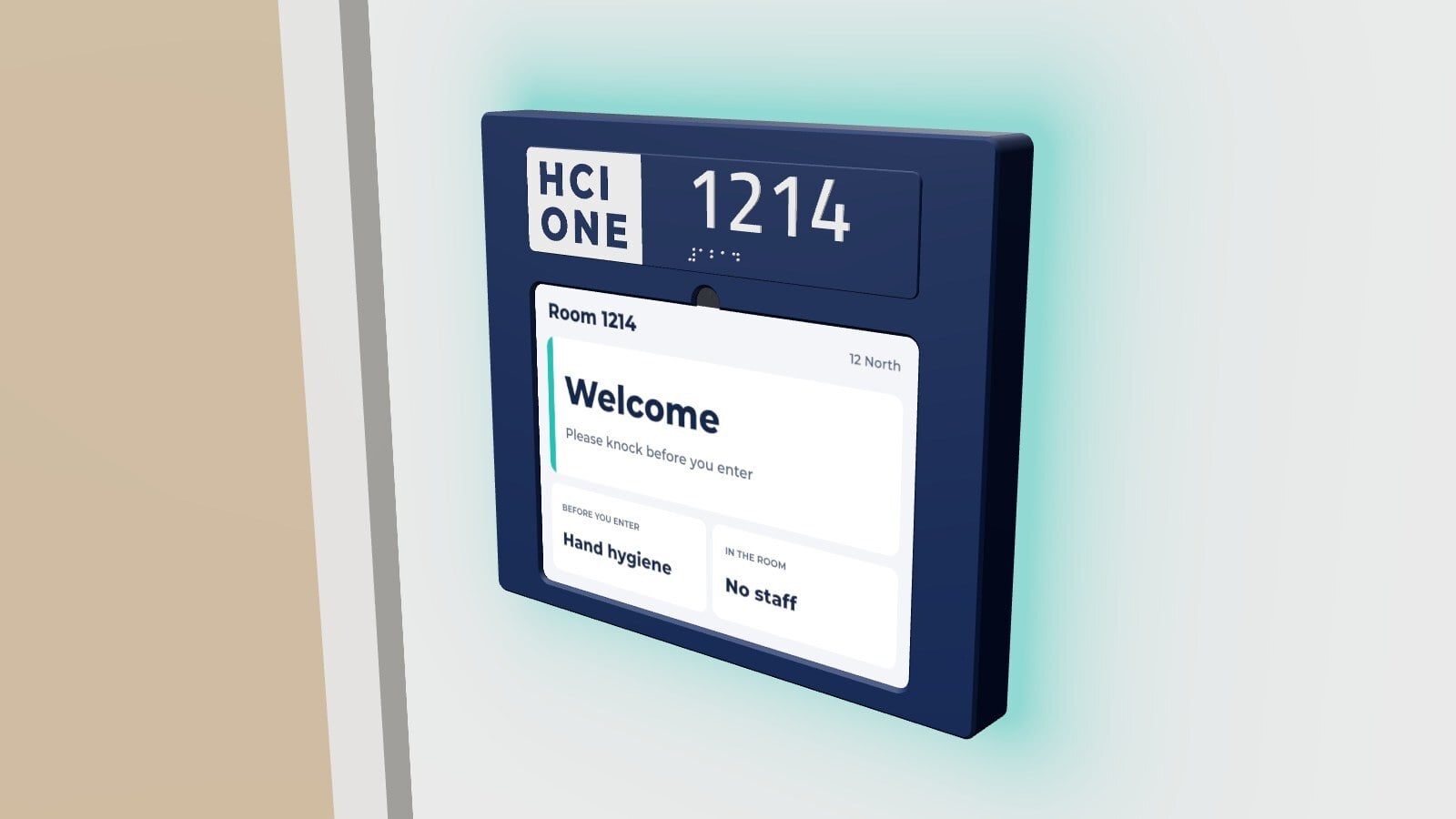
Walk down any med surg hallway and look at the doors. A paper card in a plastic sleeve. A precaution sign taped above it. A dome light over the frame that nobody notices until it flashes.
That is the first screen anyone sees when they reach a patient. In most hospitals it is not a screen at all.
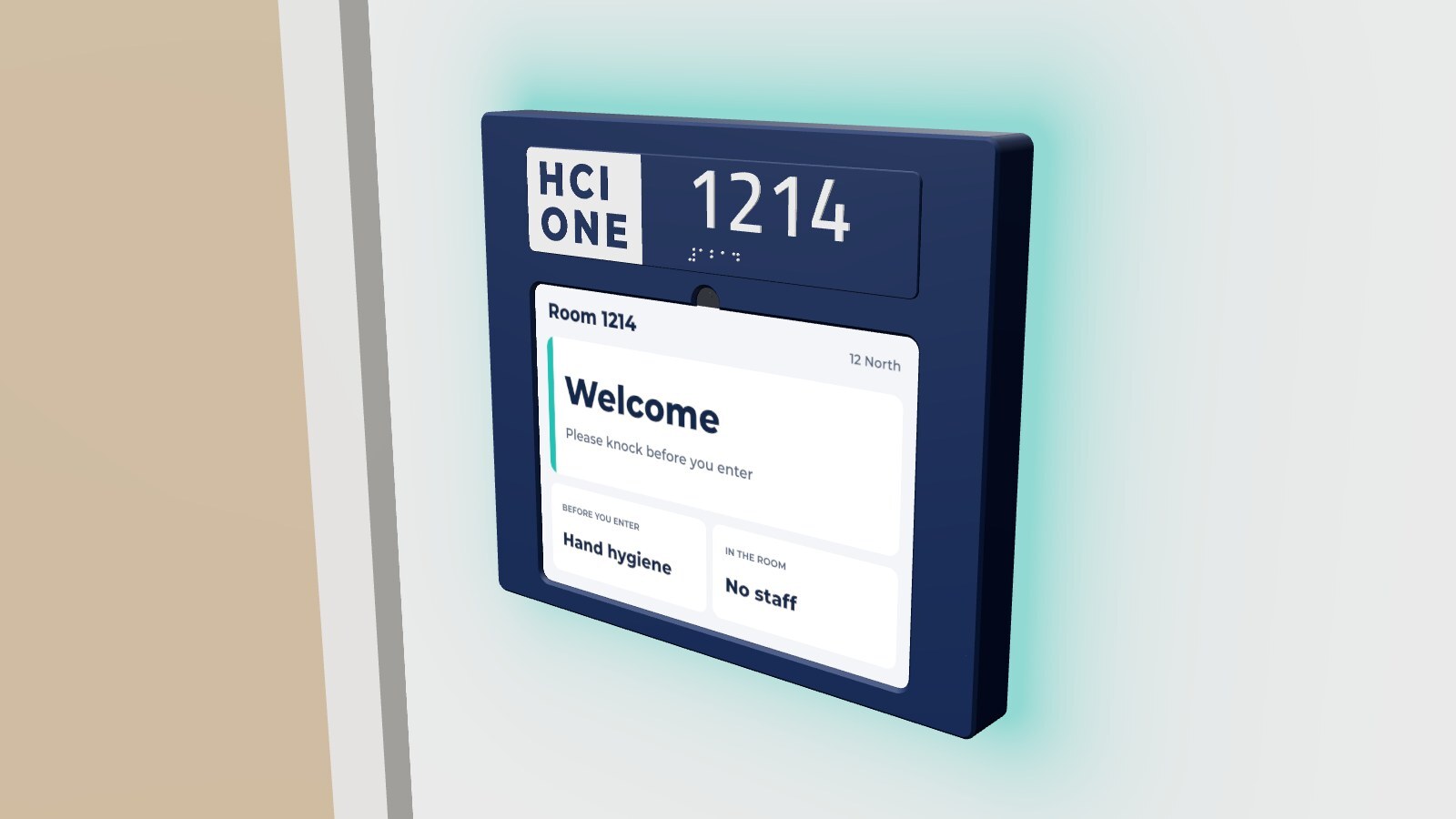
So we made the door an iPad.
FL11 is a door sign we design and print here in Cincinnati. It turns an 11 inch iPad into the sign outside the room and mounts on a standard single gang box. The window hides the iPad's own bezel, so what you see is a door sign, not a tablet hung on a wall.
Above the screen is a room plate with raised numerals and braille, printed for each room.
Two ways to light it
Add a light and the hallway can read the room before anyone reaches the door. Pick the one that suits your halls:
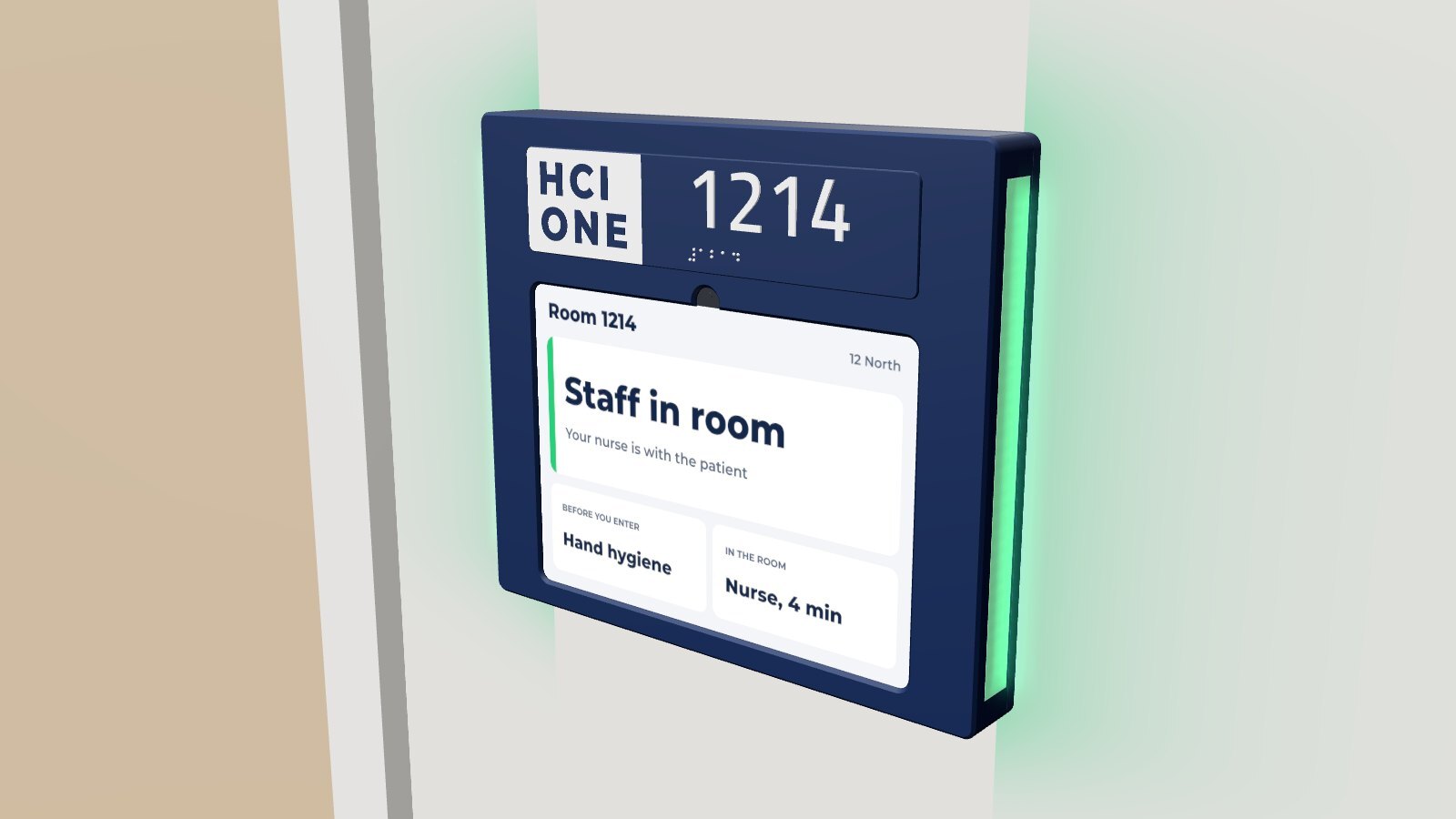
- Float stands about a quarter inch off the wall and lights the wall all around its edge.
- Sidebar sits flush to the wall, with a light bar down each side.
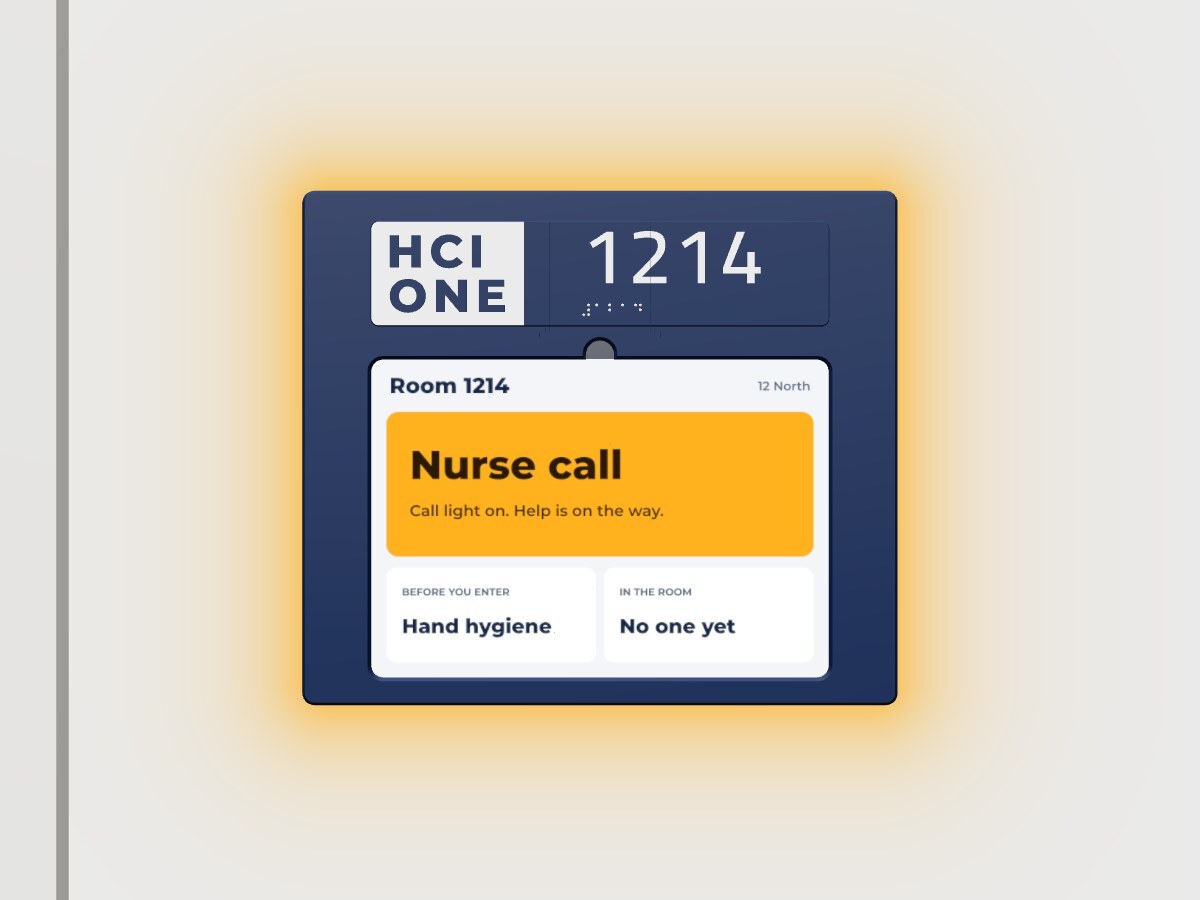
Either light takes its color from the sign, so it changes with the room: staff inside, precautions, a nurse call, a code.
One cable
One PoE cable runs the whole sign. It powers the iPad, carries its network and drives the light. Any standard PoE port will do.
Why an iPad
Your IT team already buys iPads. They already secure them, update them and manage them. A door sign should not be one more proprietary panel that only its maker can fix.
FL11 runs HCI ONE Door Sign, our new app for iPad, in single app mode. Enroll the iPad in your MDM or in Engine and it behaves like every other iPad on your network. It talks to your HCI ONE server over secure connections only.
One scan to set up
Scan a setup code and the iPad knows its room, its unit and your colors. Staff can change the layout and colors on the sign itself, behind a PIN. During quiet hours the sign dims.
The door knows what the room knows
The door shows the same care team, precautions and room state as the whiteboard inside, from the same server. The light follows the sign, so the hallway sees what the door says.
What it needs
- A single gang box beside the door.
- One PoE drop (802.3af).
- The iPad in your MDM, or in Engine.
- Your HCI ONE server.
See Float, read the FL11 spec sheet, or ask the HCI partner who covers your state. Send us your unit and room list and we will print a plate for your first door.
See the platform behind the writing.
Thirty minutes, real software. We connect HCI ONE to a sample chart and walk your scenarios.
Book a demo ← All posts